

Your village, more connected.
Audeara and Bolton Clarke have partnered to bring Auracast to community spaces in Bolton Clarke's retirement villages across Australia.

Auracast is a new way of sharing sound
Auracast™ has been installed in Bolton Clarke community spaces to broadcast audio from televisions, microphones, and speaker systems directly to your compatible hearing aids, cochlear implants, or headphones.
Instead of having to rely on the room's speakers, you can choose how you listen. This helps reduce background noise and makes it easier to follow along, feel confident, and stay part of every moment.
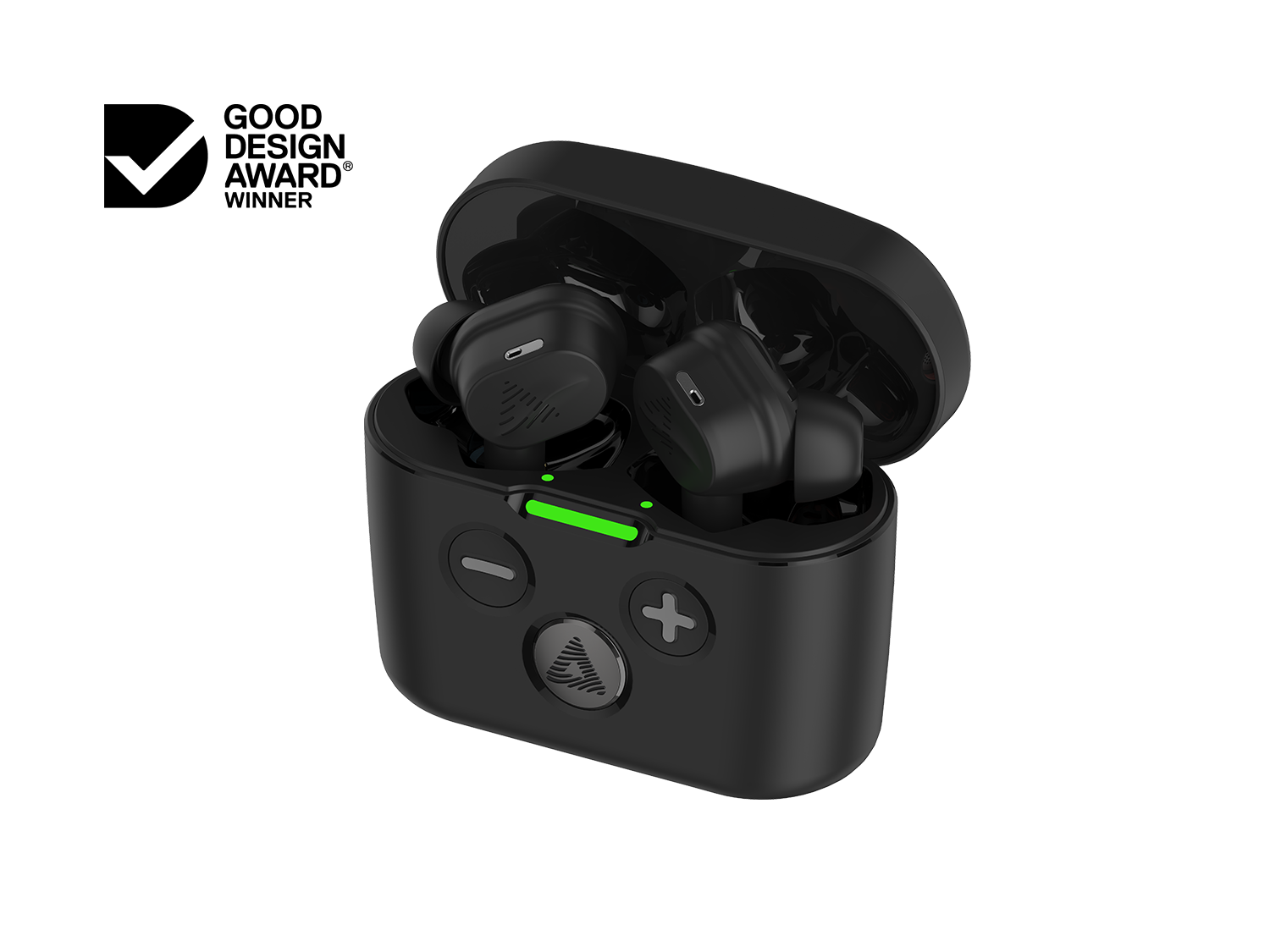
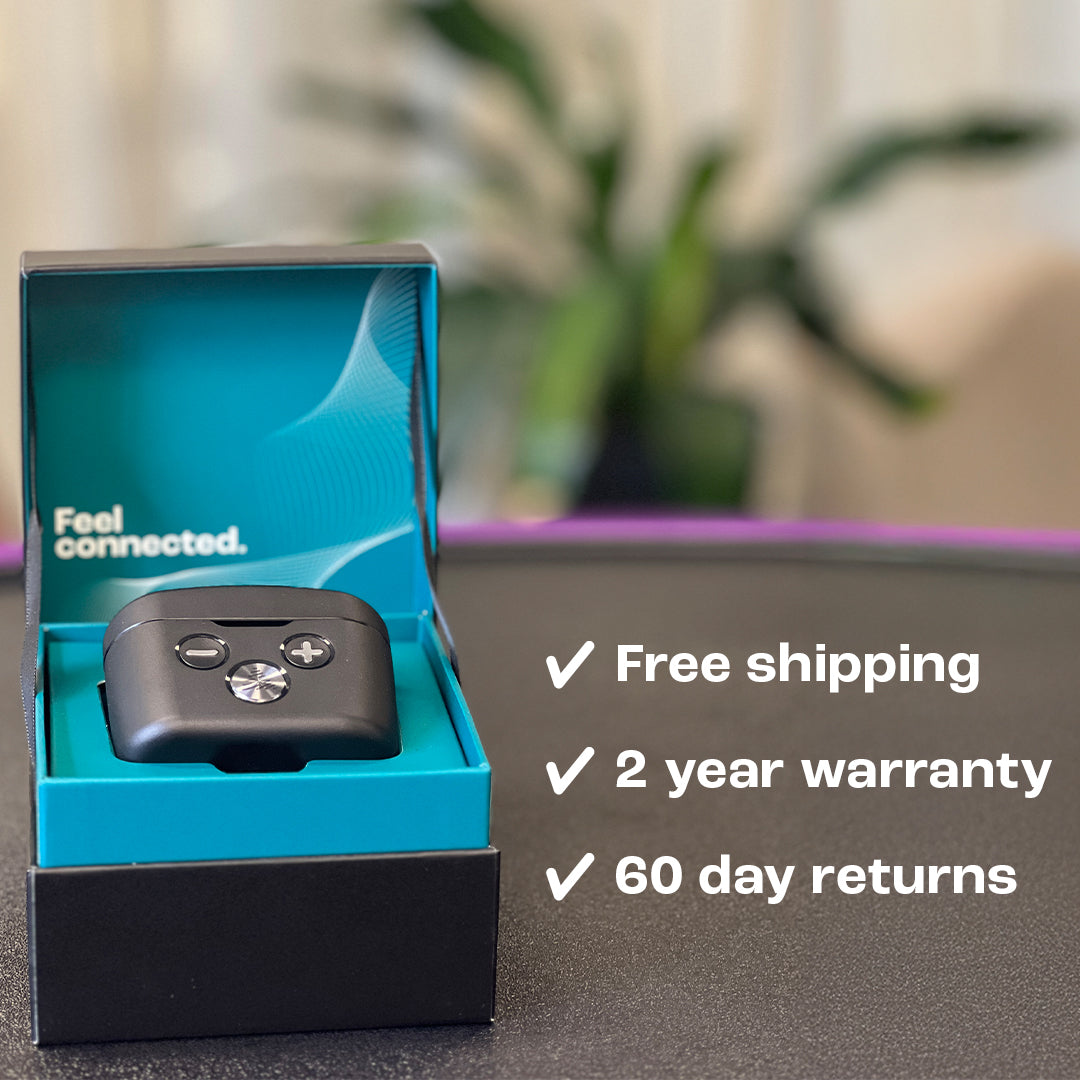
If you don't have a compatible device of your own, Audeara's Auracast enabled headphones are available to borrow from your community centre.
Where it makes a difference
Don't have a compatible device yet?
Here are are a few of the options available to you:
Borrow Audeara Headphones from your Village Community Centre
Audeara's Auracast enabled headphones are available for residents to use in community spaces. Ask a staff member to find out what is available at your village.
Your title
Lorem ipsum dolor sit amet. Enter description here.
Consider an Auracast enabled device when you next need to upgrade
When it's time to replace your hearing aids, headphones, or earbuds, ask your audiologist whether the device supports Auracast. Look for the official Auracast™ branding on packaging or in product descriptions.
Your title
Lorem ipsum dolor sit amet. Enter description here.
FAQ
When someone speaks into the microphone, or the TV is on, the audio broadcasts directly to compatible devices in the room. You can hear clearly from wherever you are sitting, without relying on the room's speakers. Note that Auracast is designed for broadcast audio from sound systems and TVs – it does not carry conversations between people in the room.
Look for any of these terms in your device's user guide or on the manufacturer's website:
- Auracast™
- Bluetooth® LE Audio
- Broadcast audio
- Assistive listening
If your device is compatible, follow the manufacturer's instructions to enable Auracast or broadcast audio mode. Your device will then join the room's broadcast automatically. Not sure? Your audiologist will know whether your specific device is supported.
Check out the official list of Auracast enabled devices here.
Auracast enabled headphones are available to borrow at Bolton Clarke Community Centres. Just switch them on. They can be worn over your existing hearing aids if needed.
No. Some new hearing aids may be Auracast enabled. However, Auracast can be used with a range of compatible devices including earbuds and headphones.
Yes. Auracast broadcasts can be accessed by multiple compatible devices simultaneously.
No. Auracast uses Bluetooth® technology and does not require an internet connection.
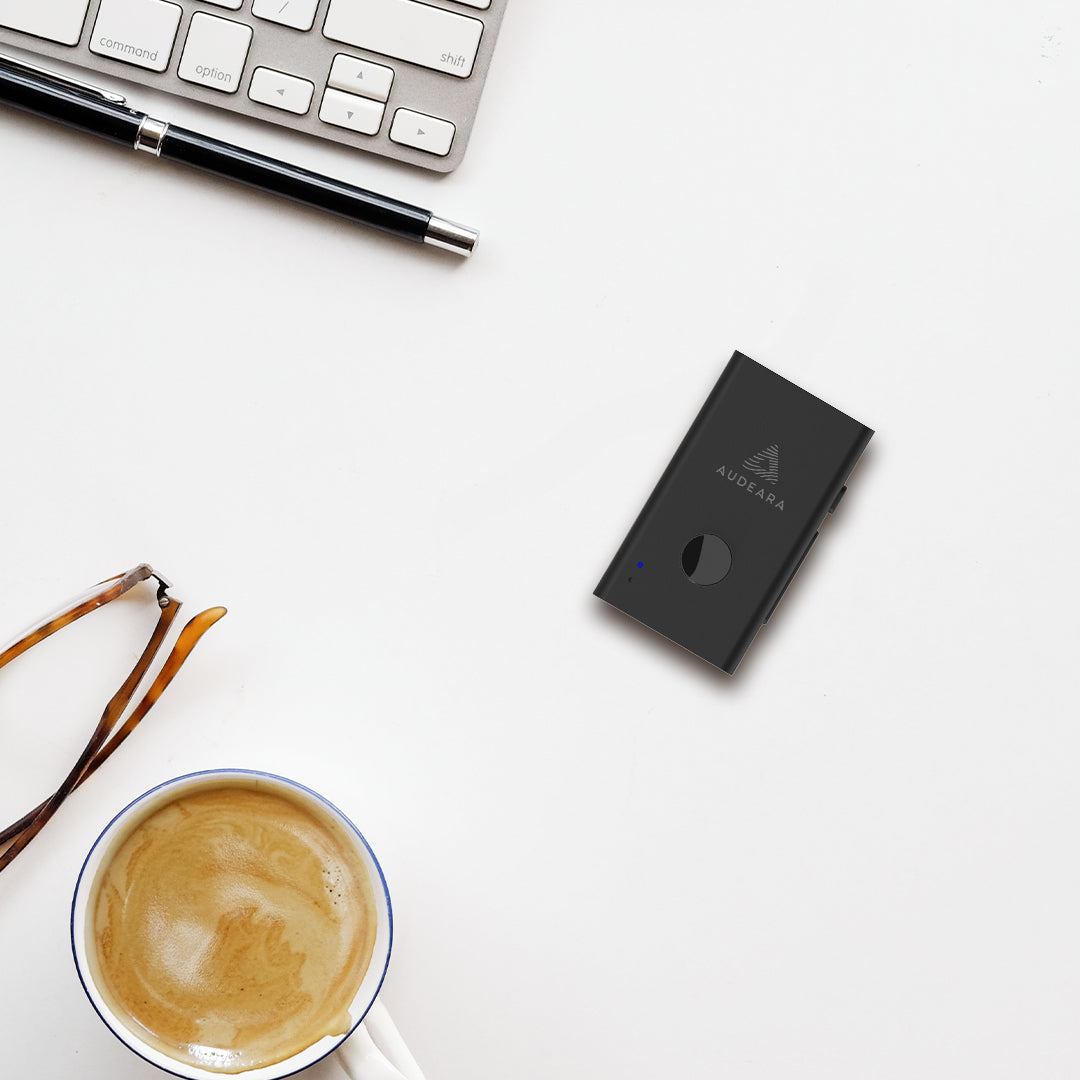
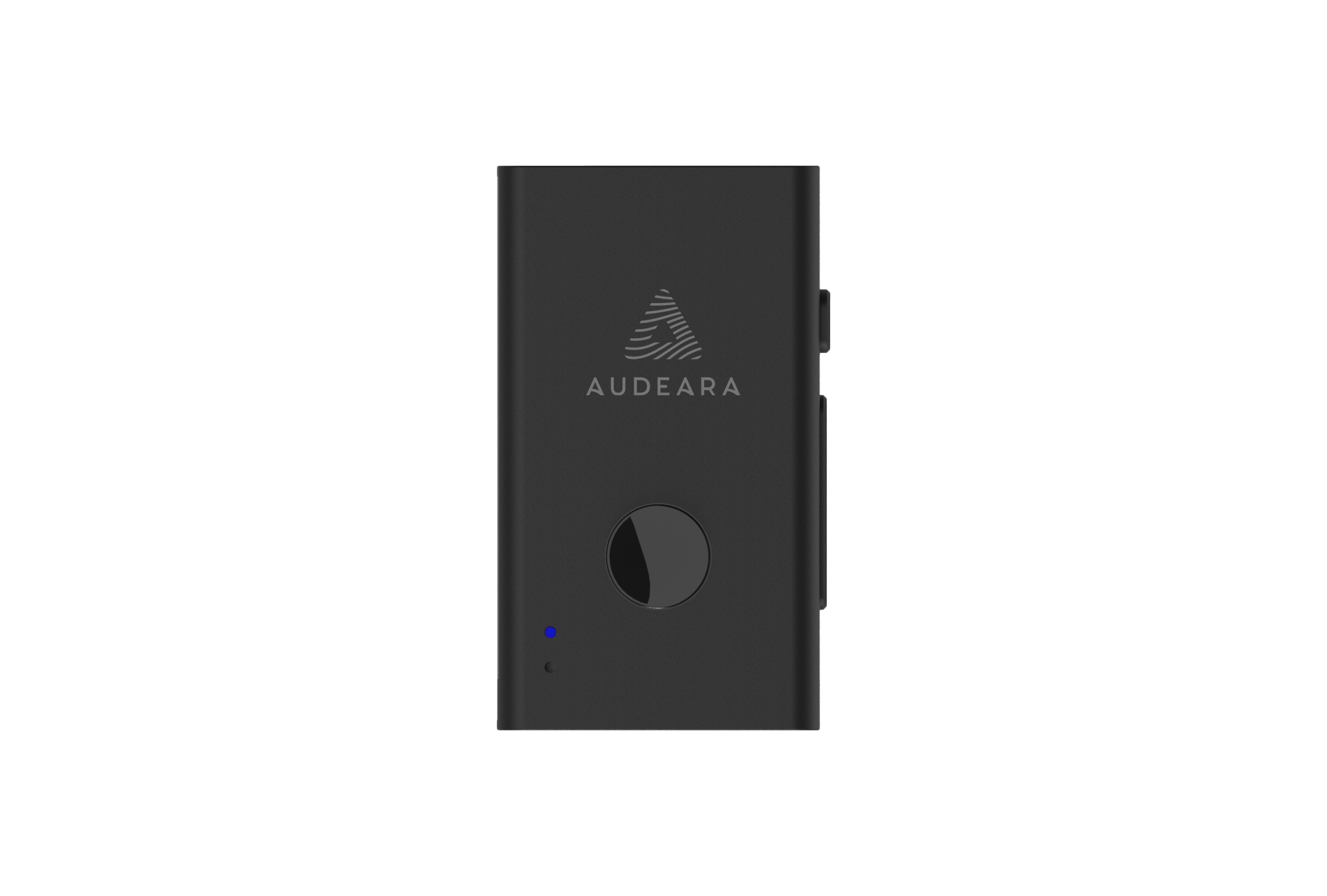
If your headphones have a 3.5mm audio jack, a small Audio Transceiver can make them Auracast compatible. Ask your village team or audiologist for more information.
Need help?
For questions about Auracast at your Bolton Clarke village, your first point of contact is your village team. For questions about Audeara products and technology, the Audeara team is happy to help.